 First Order: 20% OFF on Socials with

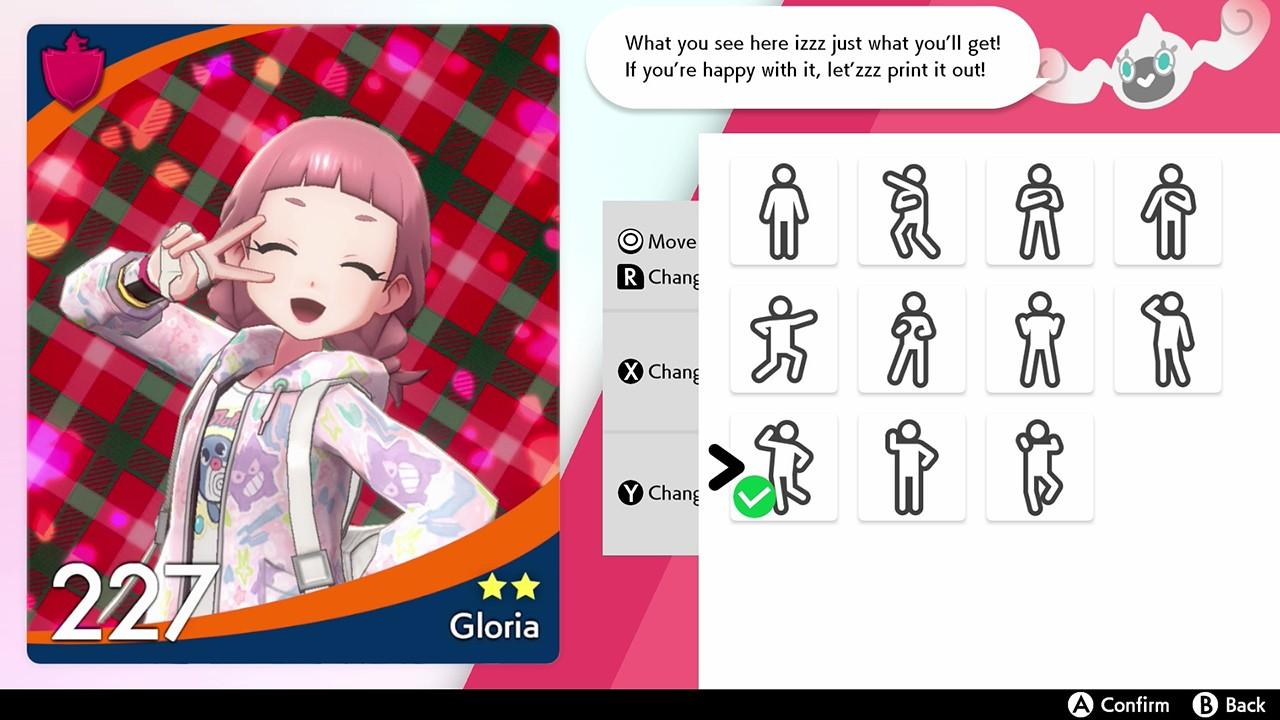

Pokemon Sword Nintendo Switch Access


€37.94
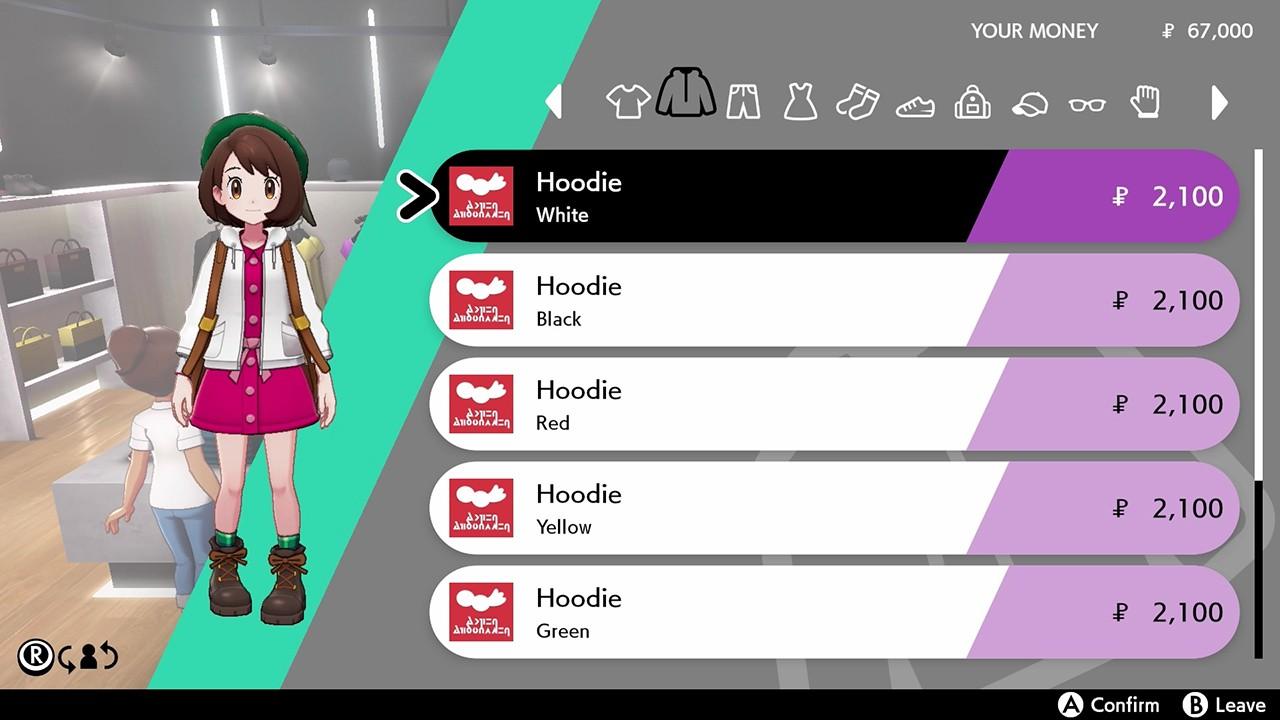
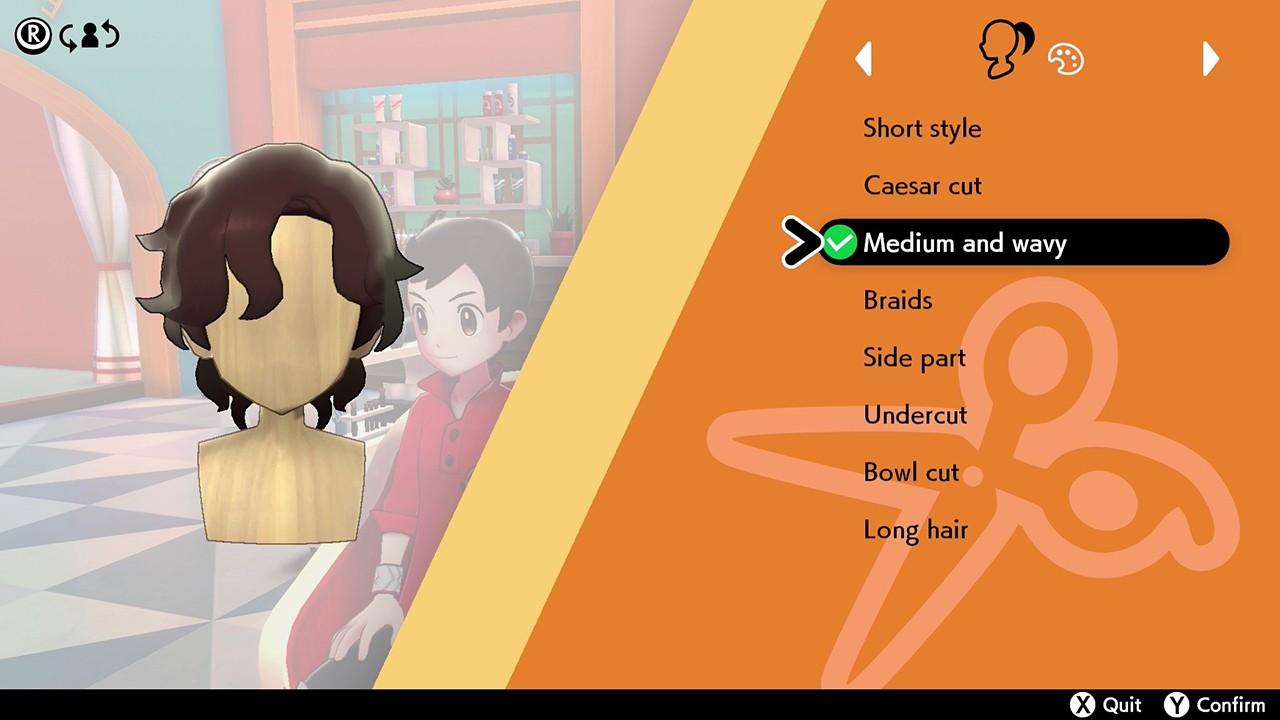
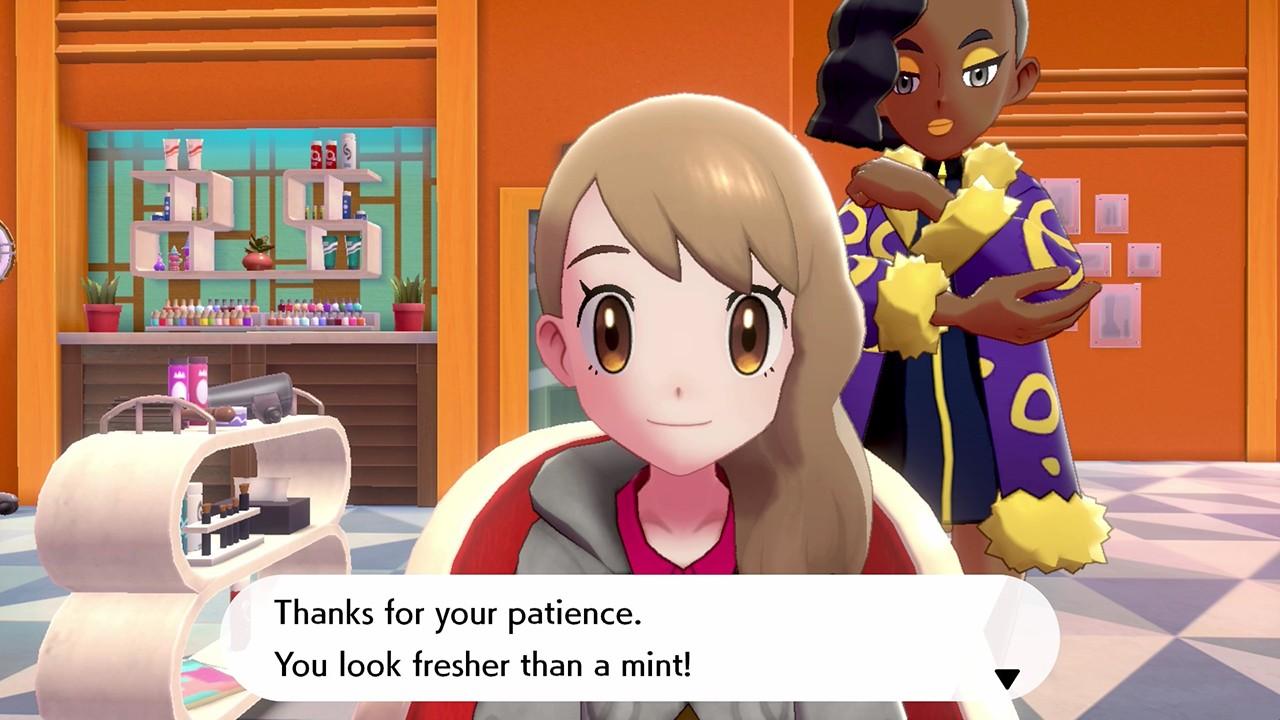
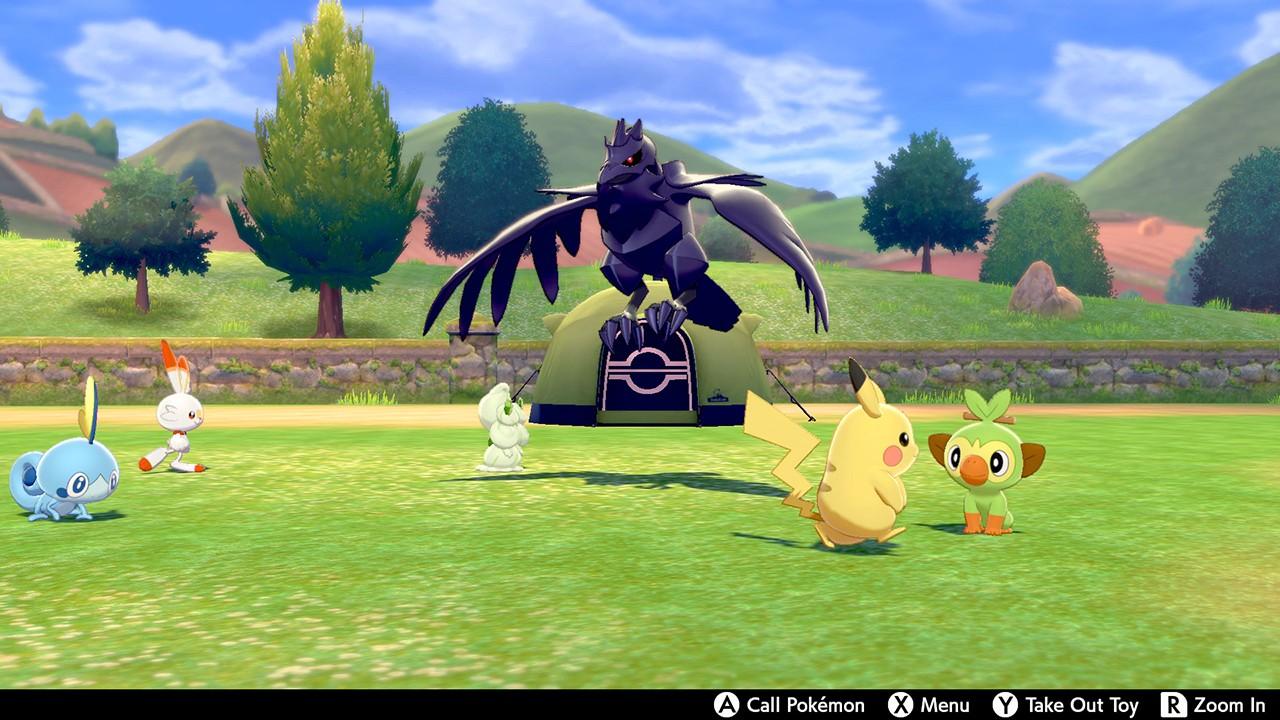
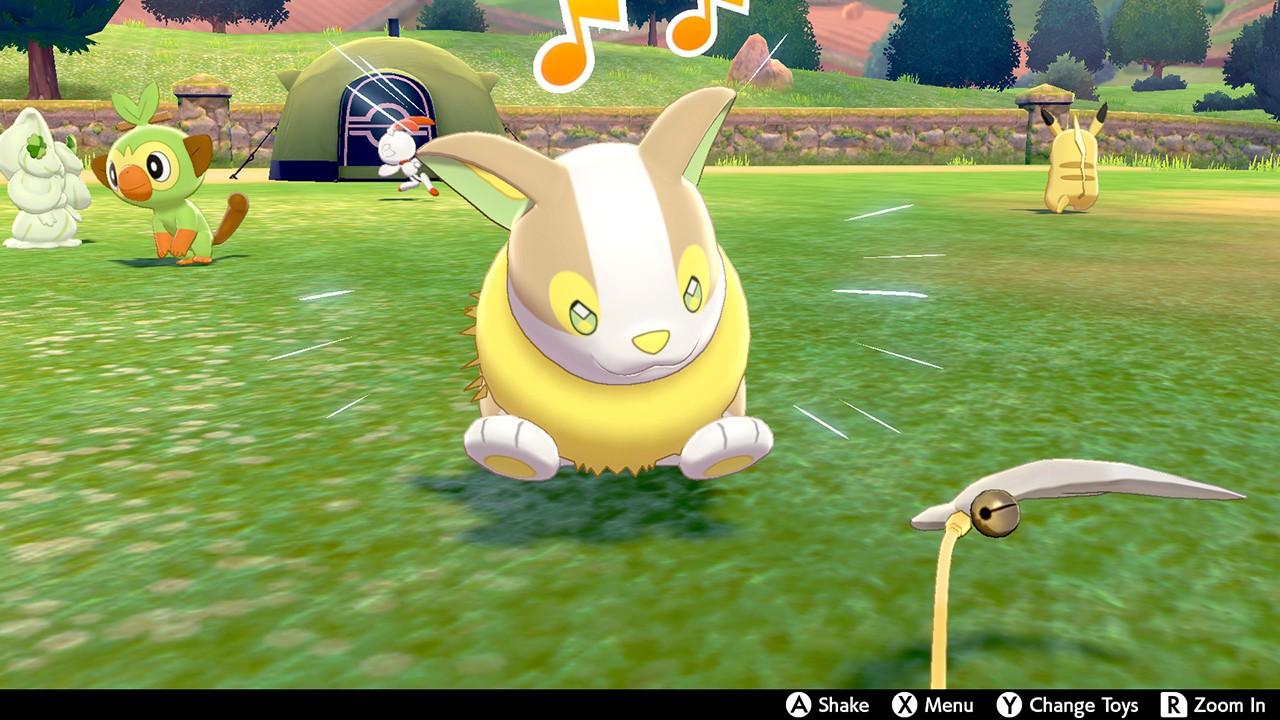
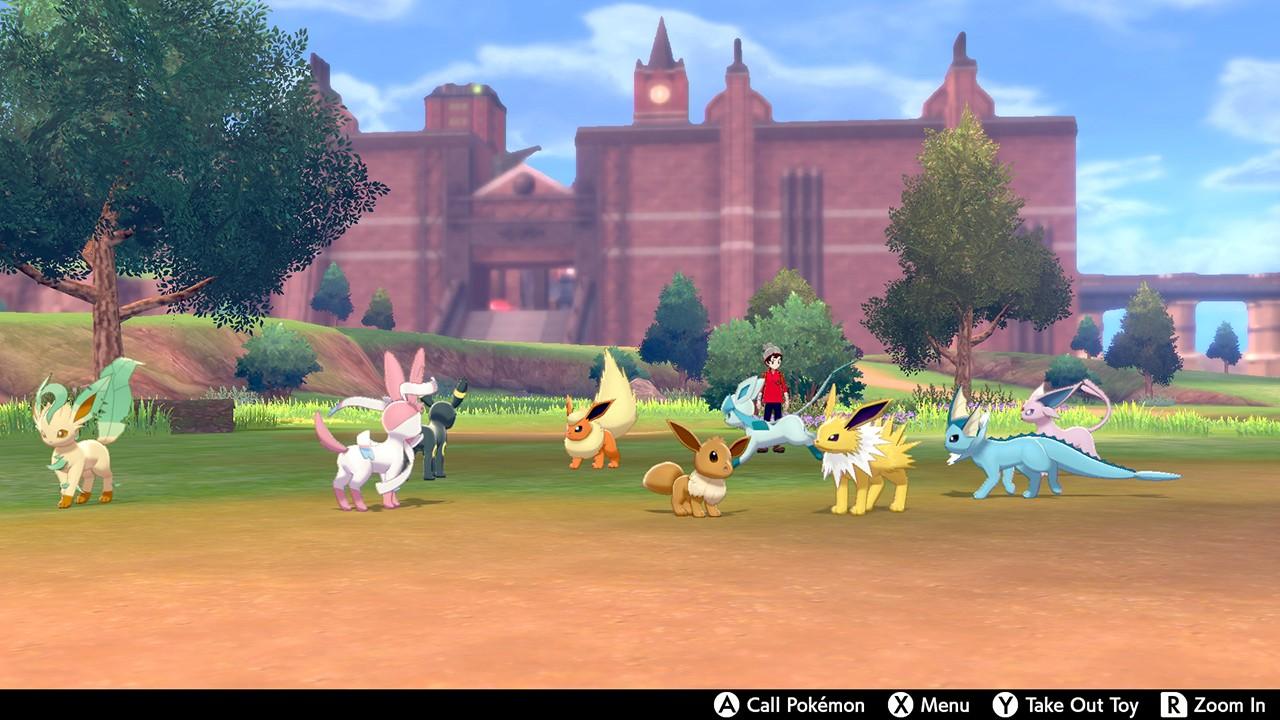
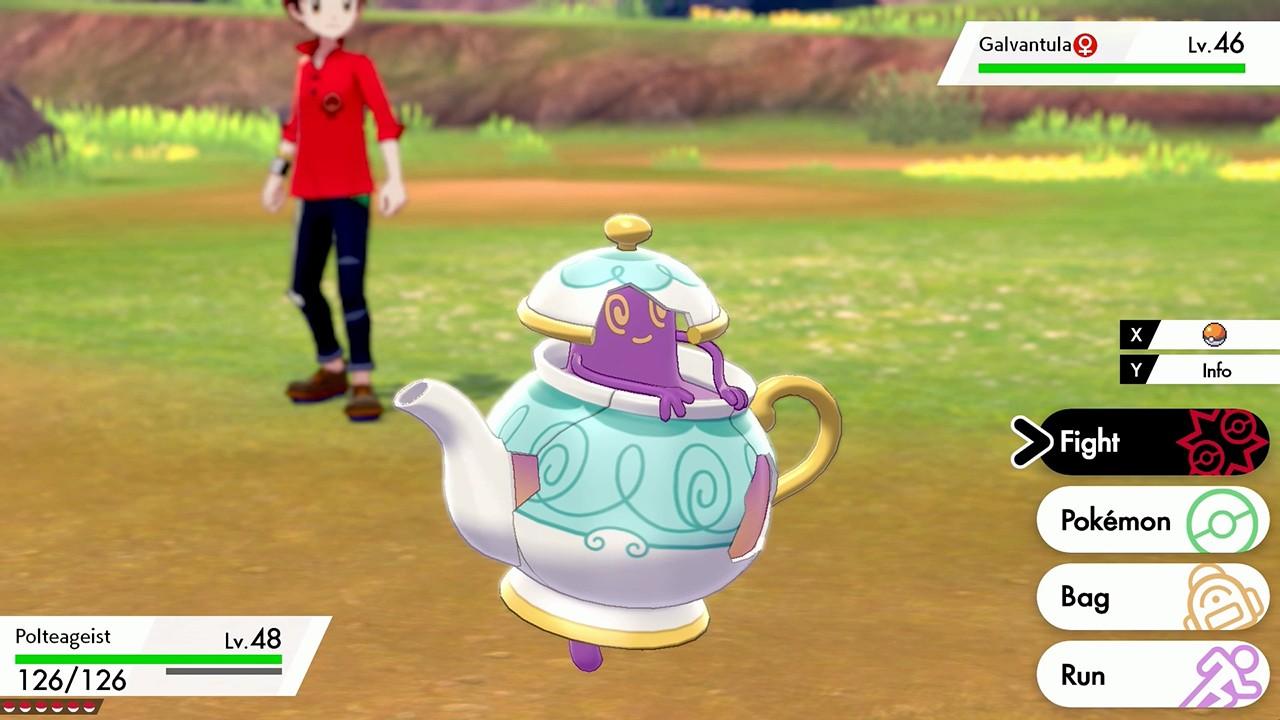
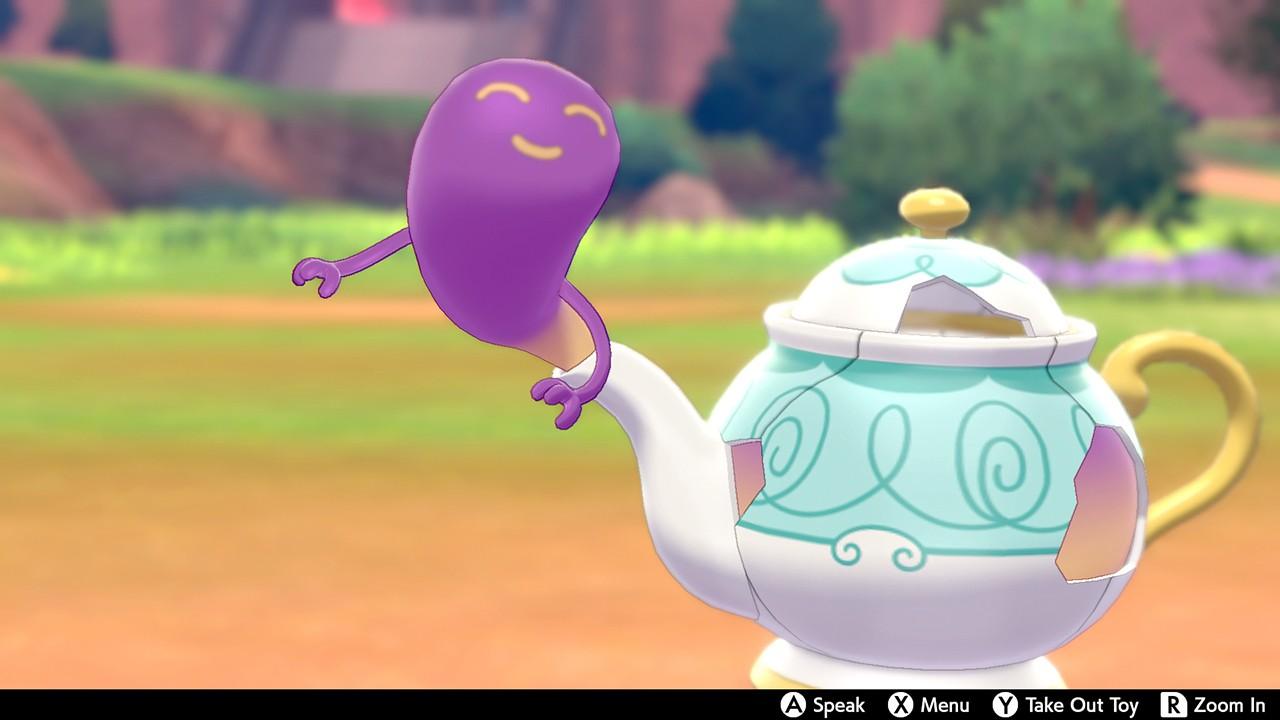
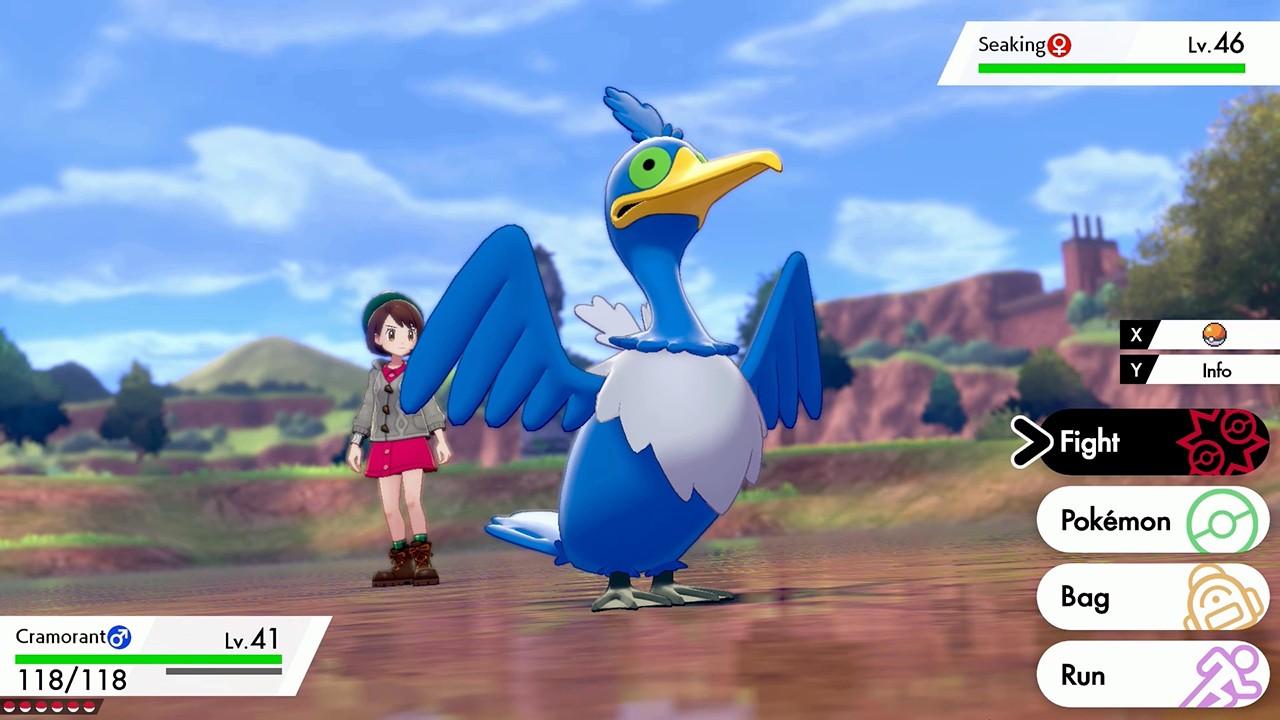
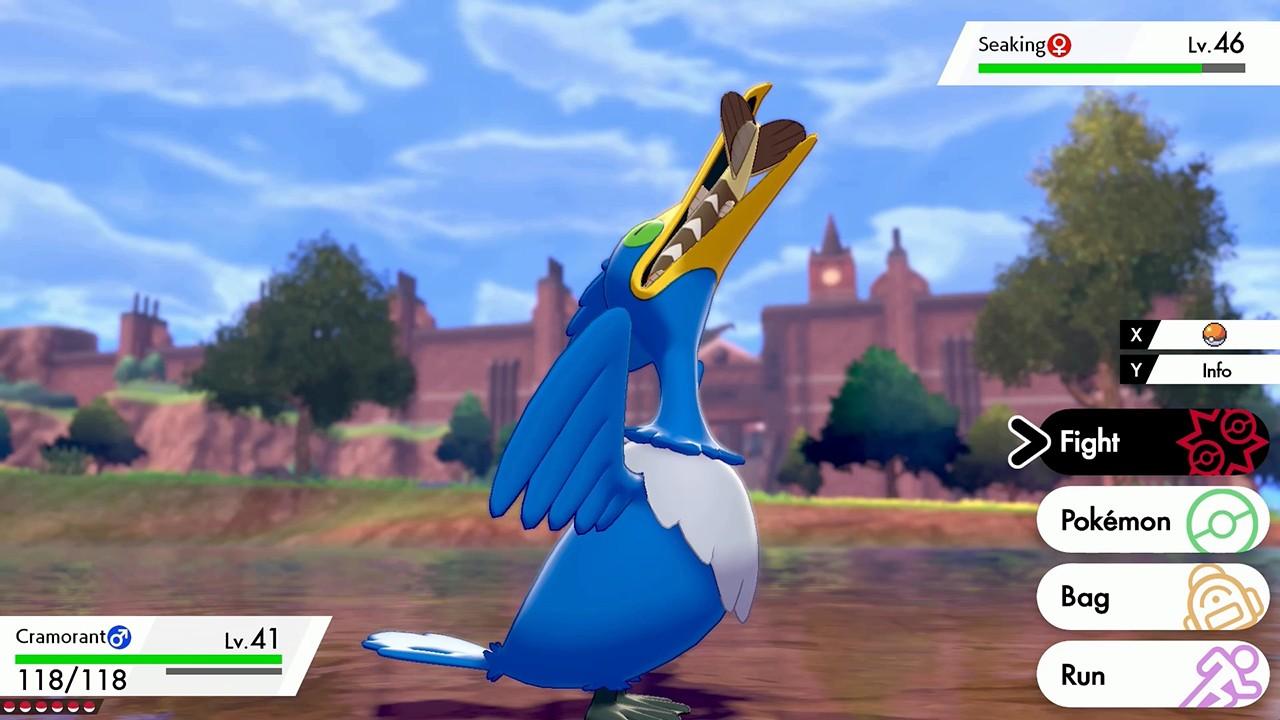
Sold By: Hstock ManagedGet ready for the next Pokémon adventure in the Pokémon Sword game.A new generation of Pokémon is coming to the Nintendo Switch system. Begin your adventure as a Pokémon Trainer by choosing one of three new partner Pokémon: Grookey, Scorbunny, or Sobble. Then embark on a journey in the new Galar region, where you’ll challenge the troublemakers of Team Yell, while unraveling the mystery behind the Legendary Pokémon Zacian and Zamazenta! Explore the Wild Area, a vast expanse of land where the player can freely control the camera. Team up with three other players locally or online in the new multiplayer co-op Max Raid Battles* in which players will face off against gigantic and super-strong Pokémon known as Dynamax Pokémon. Certain Pokémon can even Gigantamax to gain a new look and a powerful set of G-Max moves. But there’s more to being a champion than honing your battle skills: you can pick your own clothes and get a new hairdo while visiting the stores in town, so you can be the trainer you want to be. Throughout your journey, you’ll encounter newly discovered Pokémon as well as familiar ones that will look a little different in their new Galarian forms! For another way to level up your Pokémon, assign them Poké Jobs to complete, and for fun, you can even play with your Pokémon in Pokémon Camp!
| Developers | Game Freak |
|---|---|
| Publishers | Nintendo |
| Genres | Adventure, RPG |
| Platform | Nintendo |
| Languages | Chinese, English, French, German, Italian, Japanese, Korean, Spanish |
| Release date | 2019-11-15 |
| Age rating | PEGI 7 |
| Metacritic score | 80 |
| Regional limitations | 3 |
Only logged in customers who have purchased this product may leave a review.
7 in stock
7 in stock
10 in stock
10 in stock
2 in stock
2 in stock
7 in stock
7 in stock



HStocks guarantees that all accounts sold are valid for 24 hours from the time of purchase.
 Replacements or Refunds Will Be Provided Only If:
 Replacements or Refunds Will Be Provided Only If:
- The account is blocked on delivery, not after sucessful login
- The credentials are incorrect
- A valid claim is submitted within 24 hours of purchase

Refund Policy
 Refund Policy
Refunds will be issued only to:
- Crypto wallet
- HStocks store wallet (in-site balance)
- No refunds to original payment methods (e.g., card, UPI, PayPal, etc.) Important Terms & Conditions
- Proof is mandatory for all refund or replacement claims. It must clearly show the issue — such as a login error, block message, or credential mismatch.
- Acceptable proof formats: Screenshots (clear and full screen), Videos (screen recordings are preferred)
- You may upload your proof via: Google Drive, Dropbox, Imgur, Streamable Or any other shareable link. Make sure the file is accessible without permission requests.
- Do not change any account details (email, password, etc.) until you’ve confirmed everything is working. Changing details before verification voids warranty.
- Warranty does not apply if the issue arises due to:
- Personal misuse or modification of account
- Device bans, IP bans, or use of VPNs or suspicious tools
- Attempting to access the account from multiple devices simultaneously
- All disputes must be raised within 24 hours. Claims beyond this period will not be entertained.
- The decision of HStocks staff or admin is final in all warranty-related matters.
HOW?
 Important Terms & Conditions
 You may upload your proof via:
 Help Us Help You Faster
 Help Us Help You Faster
- Always read product descriptions carefully
- Record your screen during first login whenever possible
- Include your Order ID when contacting support also in Message and Subject.
- Reach out respectfully — we’re here to help!
Additional Terms & Conditions
- Do not modify any account details (email, password, etc.) until fully verified. Changes made before verification void warranty.
- Issues caused by VPN usage, IP bans, or multiple device logins are not covered.
- Claims must be submitted within 24 hours. After this, no support will be provided.
- The final decision lies with the HStocks admin or vendor.
- Abusive language or fraudulent claims will result in a ban from future purchases.
Related Products

12 in stock
12 in stock
2 in stock
2 in stock

8 in stock
8 in stock
6 in stock
6 in stock
12 in stock
12 in stock

64 in stock
64 in stock

108 in stock
108 in stock
6 in stock
6 in stock


Reviews
There are no reviews yet.