 First Order: 20% OFF on Socials with




Magicka – The Stars Are Left DLC Steam CD Key

€5.38
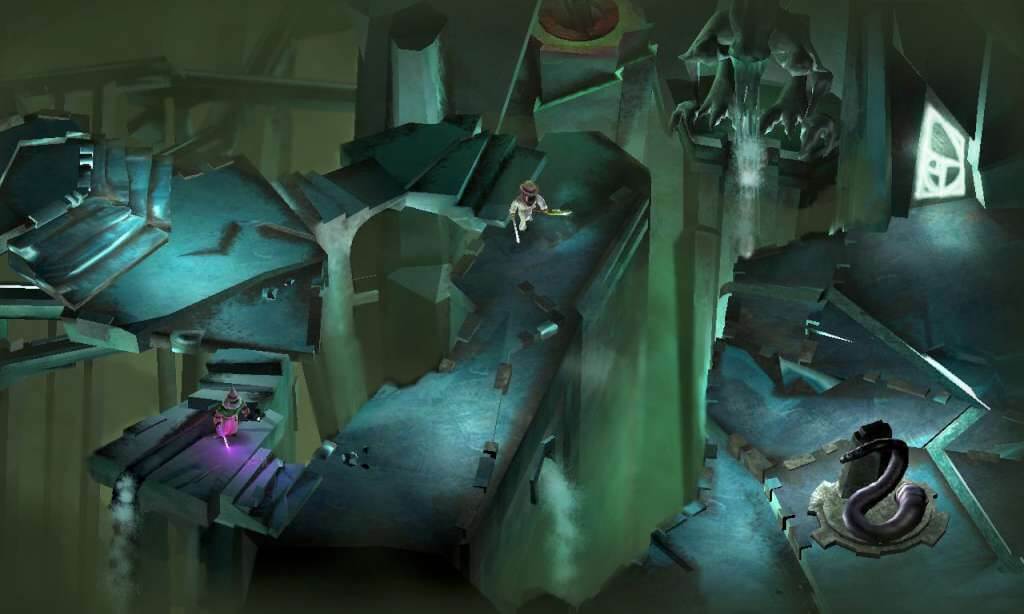
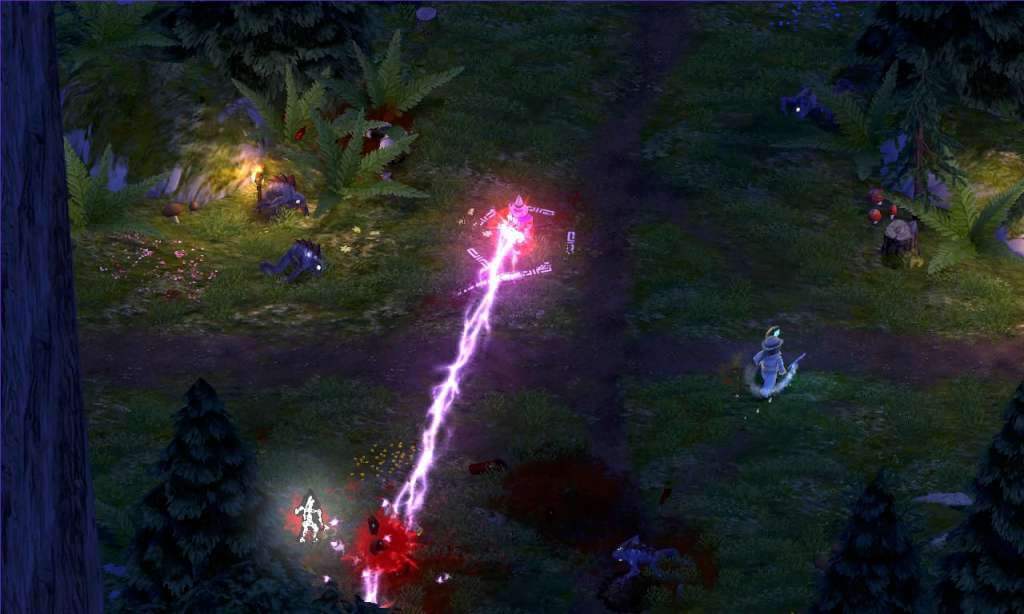
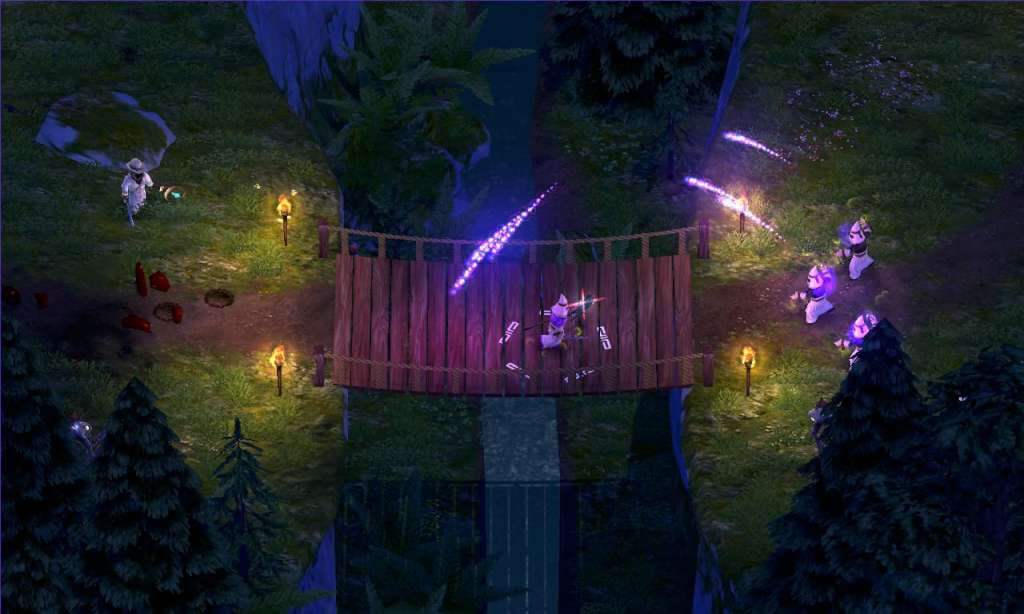
Sold By: Hstock ManagedMagicka – The Stars Are Left DLC Steam CD Key Platform: Steam Release Date: 30/11/2011 Product Description Requires the base game Magicka on Steam in order to play. The Stars are Left is a new Adventure expansion for the highly popular and successful PC action/adventure game Magicka. This time Arrowhead has moved on from the jungles of Vietnam and set their sights on the maddening Cthulhu mythos. For the first time since the release of the original game players will once again be able to join forces in a coop-supported adventure campaign. Fighting their way through several completely new levels, fending off multitudes of strange horrors, vanquishing horrid bosses and solving peculiar puzzles. Features All new adventure including several levels steeped in Lovecraftian lore 2 Challenge maps 2 new robes 2 new bosses New achievements Several new enemies New Items and Magicks Innovative and dynamic spellcasting system with thousands of possible combinations Up to four player co-op in all game modes as well as single player option Experience the parody and satire of a cliché fantasy world System Requirements OS: Windows XP/Vista/7 (32- or 64-bit) Processor: Intel® Pentium® IV 2.4 GHz or AMD 3500+ Memory: 2 GB RAM Graphics: NVIDIA® GeForce 8800 or ATI Radeon® X1900 (Integrated Video Cards not recommended) DirectX®: DirectX 9 Hard Drive: 2 GB Available Space Sound: DirectX-compatible sound card Other Requirements: 3-button mouse, keyboard and speakers. DSL Internet connection for multiplayer
| Developers | Arrowhead Game Studios |
|---|---|
| Publishers | Paradox Interactive |
| Genres | Action, RPG |
| Platform | Steam |
| Languages | English, Russian |
| Steam | Yes |
| Age rating | PEGI 16 |
| Regional limitations | 3 |
Only logged in customers who have purchased this product may leave a review.
1 in stock
1 in stock
5 in stock
5 in stock
21 in stock
21 in stock
3 in stock
3 in stock
3 in stock
3 in stock




HStocks guarantees that all accounts sold are valid for 24 hours from the time of purchase.
 Replacements or Refunds Will Be Provided Only If:
 Replacements or Refunds Will Be Provided Only If:
- The account is blocked on delivery, not after sucessful login
- The credentials are incorrect
- A valid claim is submitted within 24 hours of purchase

Refund Policy
 Refund Policy
Refunds will be issued only to:
- Crypto wallet
- HStocks store wallet (in-site balance)
- No refunds to original payment methods (e.g., card, UPI, PayPal, etc.) Important Terms & Conditions
- Proof is mandatory for all refund or replacement claims. It must clearly show the issue — such as a login error, block message, or credential mismatch.
- Acceptable proof formats: Screenshots (clear and full screen), Videos (screen recordings are preferred)
- You may upload your proof via: Google Drive, Dropbox, Imgur, Streamable Or any other shareable link. Make sure the file is accessible without permission requests.
- Do not change any account details (email, password, etc.) until you’ve confirmed everything is working. Changing details before verification voids warranty.
- Warranty does not apply if the issue arises due to:
- Personal misuse or modification of account
- Device bans, IP bans, or use of VPNs or suspicious tools
- Attempting to access the account from multiple devices simultaneously
- All disputes must be raised within 24 hours. Claims beyond this period will not be entertained.
- The decision of HStocks staff or admin is final in all warranty-related matters.
HOW?
 Important Terms & Conditions
 You may upload your proof via:
 Help Us Help You Faster
 Help Us Help You Faster
- Always read product descriptions carefully
- Record your screen during first login whenever possible
- Include your Order ID when contacting support also in Message and Subject.
- Reach out respectfully — we’re here to help!
Additional Terms & Conditions
- Do not modify any account details (email, password, etc.) until fully verified. Changes made before verification void warranty.
- Issues caused by VPN usage, IP bans, or multiple device logins are not covered.
- Claims must be submitted within 24 hours. After this, no support will be provided.
- The final decision lies with the HStocks admin or vendor.
- Abusive language or fraudulent claims will result in a ban from future purchases.
Related Products
49 in stock
49 in stock

3 in stock
3 in stock
20 in stock
20 in stock
12 in stock
12 in stock
6 in stock
6 in stock
21 in stock
21 in stock
8 in stock
8 in stock
28 in stock
28 in stock



Reviews
There are no reviews yet.