 First Order: 20% OFF on Socials with
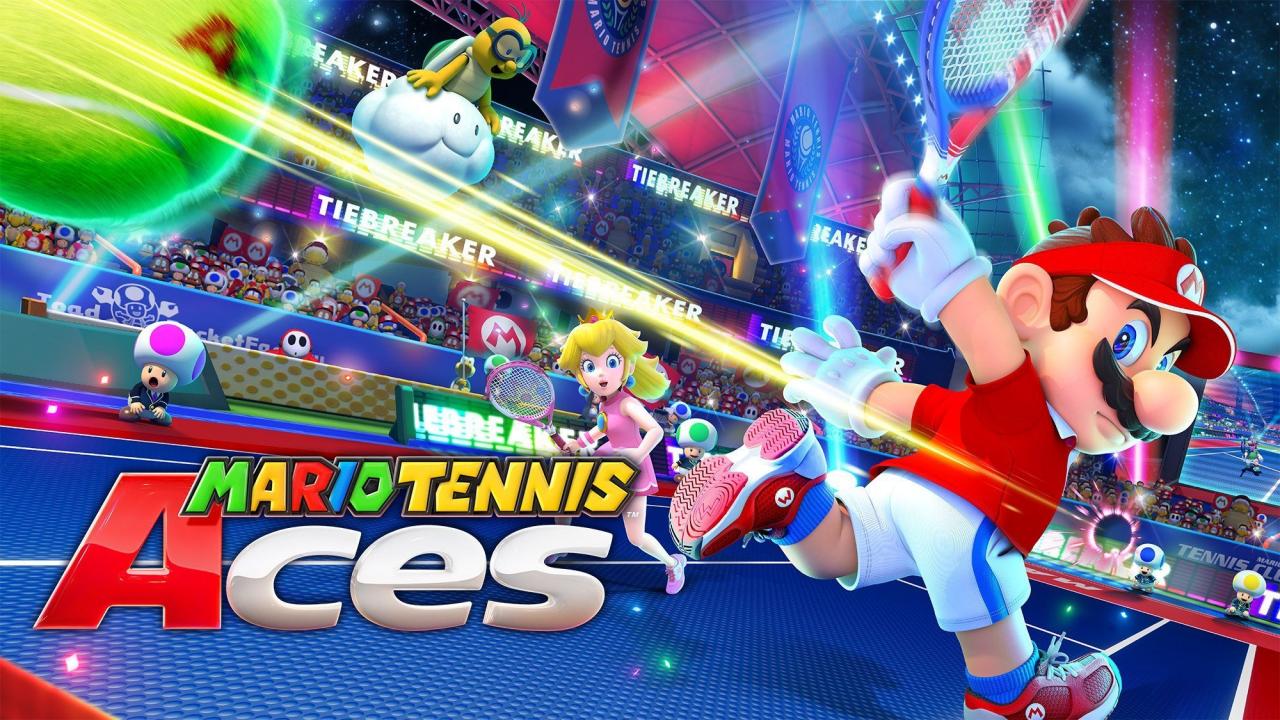
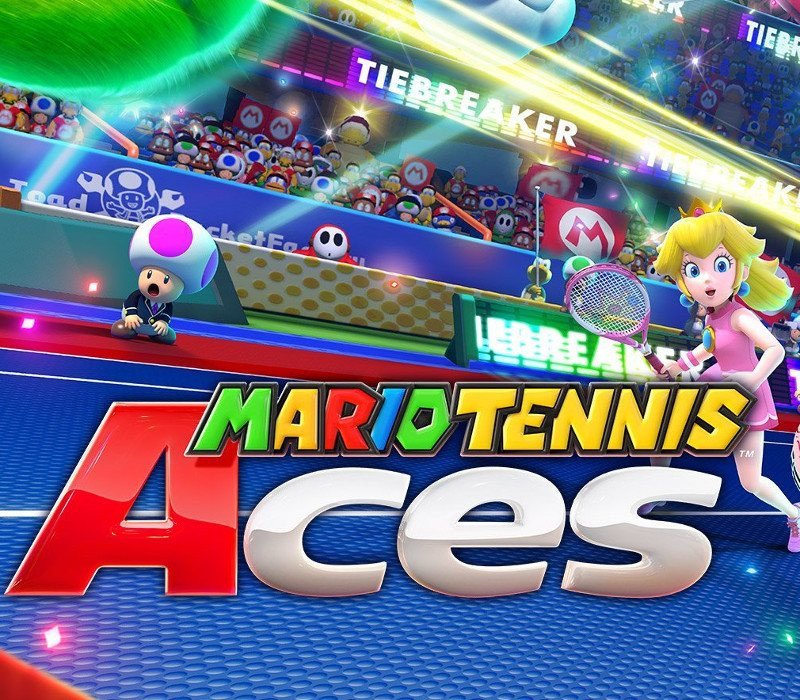
Mario Tennis Aces Nintendo Switch Access


€20.27
Sold By: Hstock ManagedOut of stock
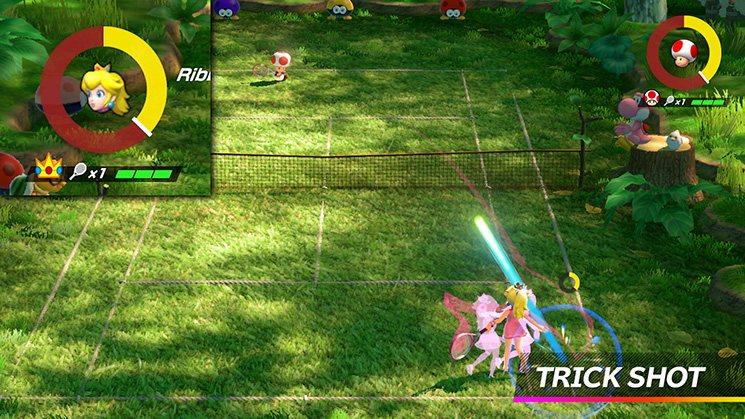
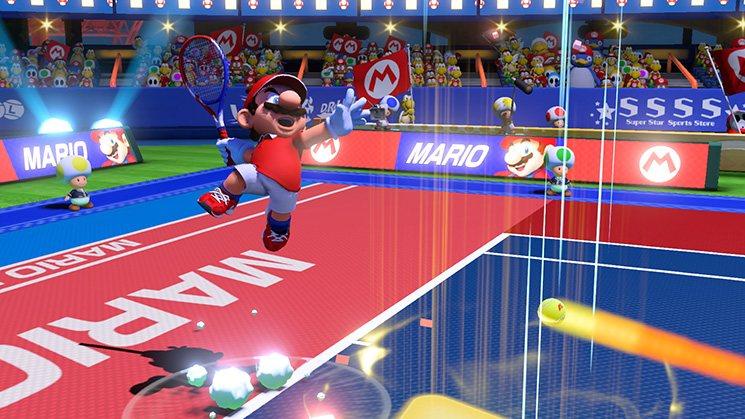
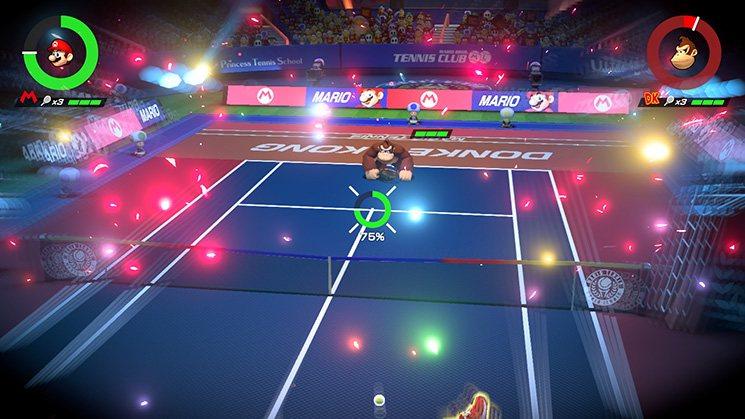
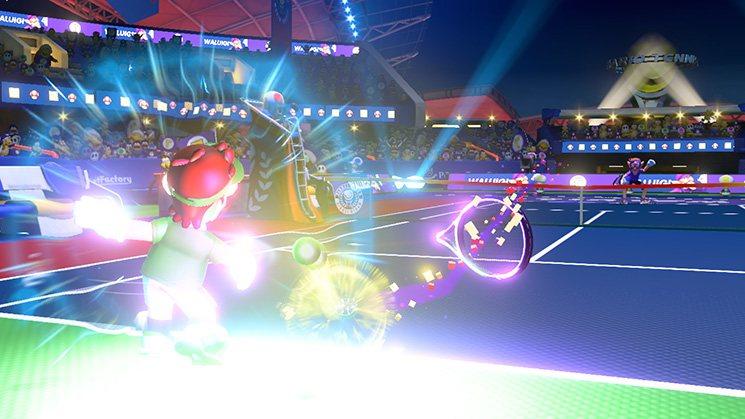
Unleash an arsenal of shots and strategies in all-out tennis battles with friends, family, and fan-favorite Mushroom Kingdom characters. Whether you play locally, * online, ** or using simple motion controls, intense rallies await! In Adventure mode, experience a new favor of tennis gameplay, with a variety of missions, boss battles and more. Complete missions and boss battles in Adventure mode while mastering the controls. Test your hard-earned skills in singles or doubles with up to 4 players in local* or online** multiplayer, not to mention Tournament Mode, which lets you challenge the CPU. Store up energy and use it to pull off amazing feats: move so fast the world slows down around you or aim in first-person to send the ball crashing down! Your rivals may attempt to block you, but if they fail, their racket will take damage—and break after three hits. Fully charge your energy to launch the ball with enough force to KO your opponent! Features Rally against other players in singles or doubles as one of 15+ Mushroom Kingdom characters Serve up everything from basic shots to trick shots to split-second blocks Use energy to leap after the ball, slow down time, aim in first-person, break rackets, and KO opponents! Play locally, online, or swing your Joy-Con™ controller like a real racket in Swing Mode Take on CPU opponents in the Mushroom Cup, Flower Cup, or Star Cup in Tournament Mode Adventure mode offers a new flavor of tennis gameplay, with a variety of missions, boss battles and more.
| Developers | Camelot Software Planning |
|---|---|
| Publishers | Nintendo |
| Platform | Nintendo |
| Languages | Chinese, Dutch, English, French, German, Italian, Japanese, Korean, Russian, Spanish |
| Release date | 2018-06-22 |
| Age rating | PEGI 7 |
| Metacritic score | 77 |
| Regional limitations | 3 |
Only logged in customers who have purchased this product may leave a review.
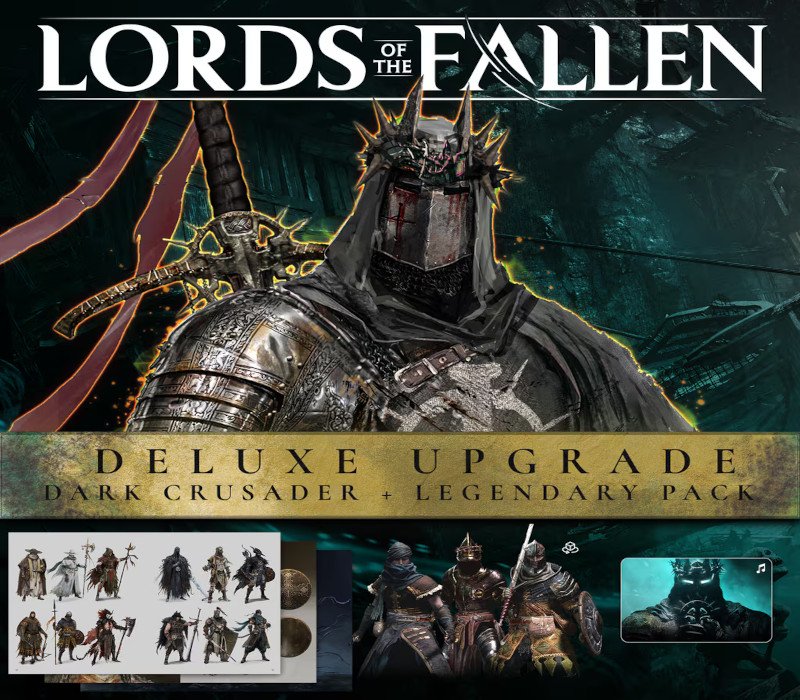
- Lords Of The Fallen (2023) – Deluxe Upgrade DLC EU (without DE) PS5 CD Key €6.59 Sold By: Hstock Managed
450 in stock
450 in stock
89 in stock
89 in stock
8 in stock
8 in stock
2 in stock
2 in stock
3 in stock
3 in stock
20 in stock
20 in stock




HStocks guarantees that all accounts sold are valid for 24 hours from the time of purchase.
 Replacements or Refunds Will Be Provided Only If:
 Replacements or Refunds Will Be Provided Only If:
- The account is blocked on delivery, not after sucessful login
- The credentials are incorrect
- A valid claim is submitted within 24 hours of purchase

Refund Policy
 Refund Policy
Refunds will be issued only to:
- Crypto wallet
- HStocks store wallet (in-site balance)
- No refunds to original payment methods (e.g., card, UPI, PayPal, etc.) Important Terms & Conditions
- Proof is mandatory for all refund or replacement claims. It must clearly show the issue — such as a login error, block message, or credential mismatch.
- Acceptable proof formats: Screenshots (clear and full screen), Videos (screen recordings are preferred)
- You may upload your proof via: Google Drive, Dropbox, Imgur, Streamable Or any other shareable link. Make sure the file is accessible without permission requests.
- Do not change any account details (email, password, etc.) until you’ve confirmed everything is working. Changing details before verification voids warranty.
- Warranty does not apply if the issue arises due to:
- Personal misuse or modification of account
- Device bans, IP bans, or use of VPNs or suspicious tools
- Attempting to access the account from multiple devices simultaneously
- All disputes must be raised within 24 hours. Claims beyond this period will not be entertained.
- The decision of HStocks staff or admin is final in all warranty-related matters.
HOW?
 Important Terms & Conditions
 You may upload your proof via:
 Help Us Help You Faster
 Help Us Help You Faster
- Always read product descriptions carefully
- Record your screen during first login whenever possible
- Include your Order ID when contacting support also in Message and Subject.
- Reach out respectfully — we’re here to help!
Additional Terms & Conditions
- Do not modify any account details (email, password, etc.) until fully verified. Changes made before verification void warranty.
- Issues caused by VPN usage, IP bans, or multiple device logins are not covered.
- Claims must be submitted within 24 hours. After this, no support will be provided.
- The final decision lies with the HStocks admin or vendor.
- Abusive language or fraudulent claims will result in a ban from future purchases.
Related Products

2 in stock
2 in stock
6 in stock
6 in stock
8 in stock
8 in stock
50 in stock
50 in stock
2 in stock
2 in stock

1 in stock
1 in stock

108 in stock
108 in stock
20 in stock
20 in stock


Reviews
There are no reviews yet.