Minecraft Nintendo Switch Online Account Activation

15.74

Only 142 item(s) left in stock.
  •  24 Hours Store Warranty

    24 Hours Store Warrenty

  •  Instant Delivery

    ⚡ HStocks Instant Delivery 

    At HStocks, we specialize in delivering digital products instantly. Once your order is placed and payment is successfully completed, your product is delivered automatically via email — no waiting, no hassle.

    📩 What to Expect After Purchase:

    You will typically receive three emails from us:

    1. Order Confirmation
    2. Product Credentials (your digital product/account details)
    3. Order Success Notification

    📧 Didn’t get your product within 15 minutes?
    Here’s what to do:

    • First, check your email inbox — including Spam/Junk folders
    • If your order status is “Processing”, it may take a little longer due to high demand or manual verification
    • Please wait up to 2 hours before reaching out

    🛠️ Still no product after 2 hours?

    No worries — just contact our support team using the support options available on our website. We’re here to help.

    You can directly raise a ticket:

    ✅ Click the “Get Support” button from your Order View page

    ✅ Or use the Vendor Profile → Get Support button ( Always Add Order Id – Also in Message )


    💡 Tips for Smooth Delivery:

    • Use a valid and active email address during checkout
    • Avoid using disposable or temporary email services
    • For any delivery-related issues, reach out to us with your Order ID and email used at checkout. We’ll get back to you as soon as possible.
    • And don’t forget: all purchases are covered by our 24-Hour Store Warranty.
  •  Recommendations
  ... people are viewing this right now

  Share
Guaranteed Safe CheckoutTrust

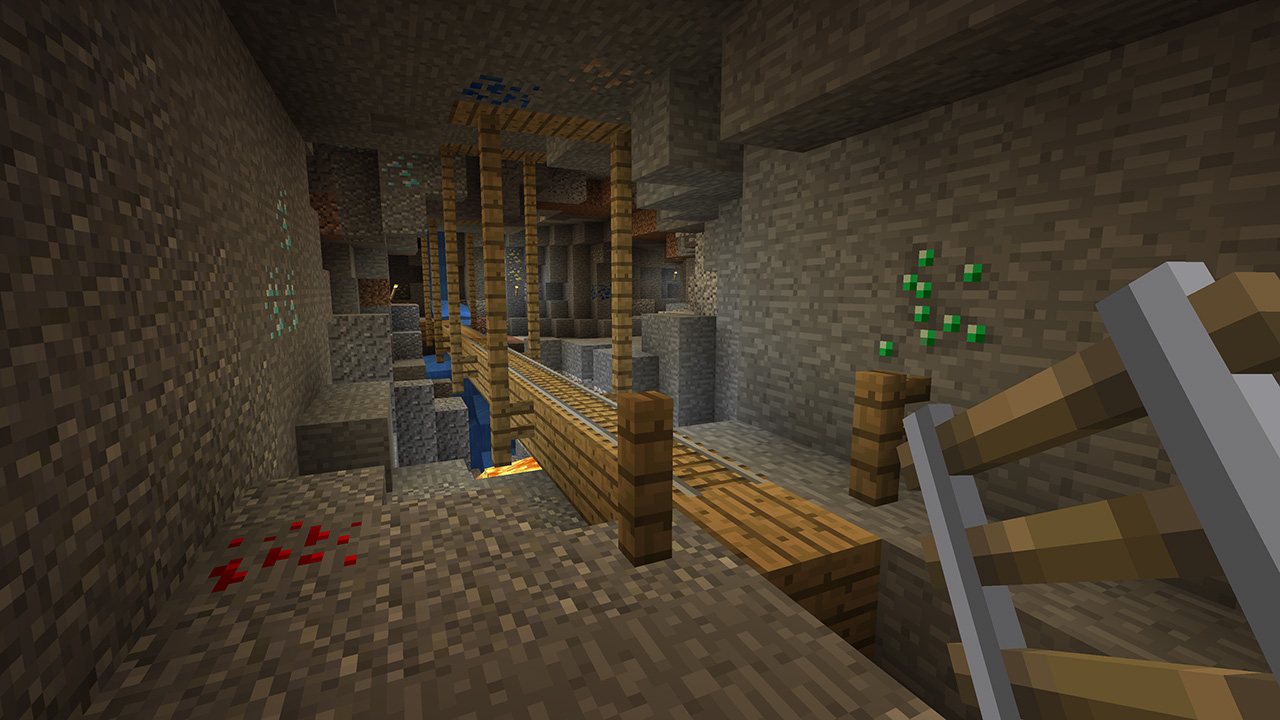
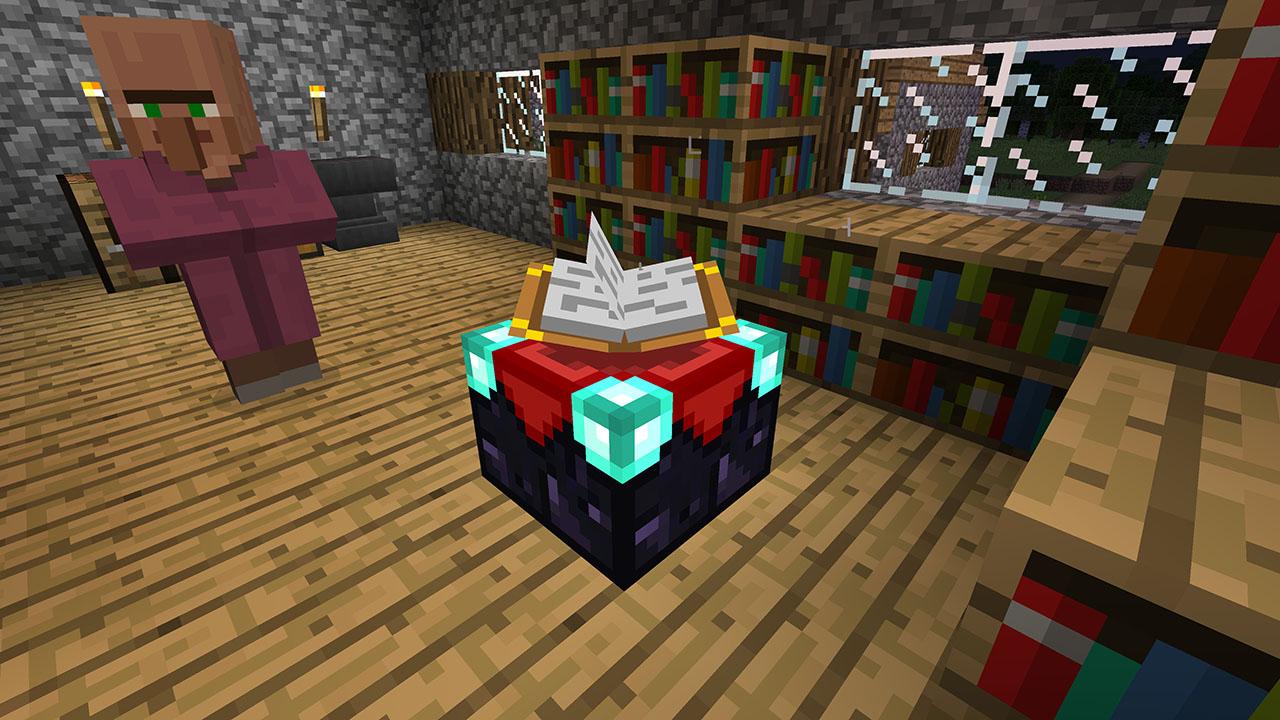
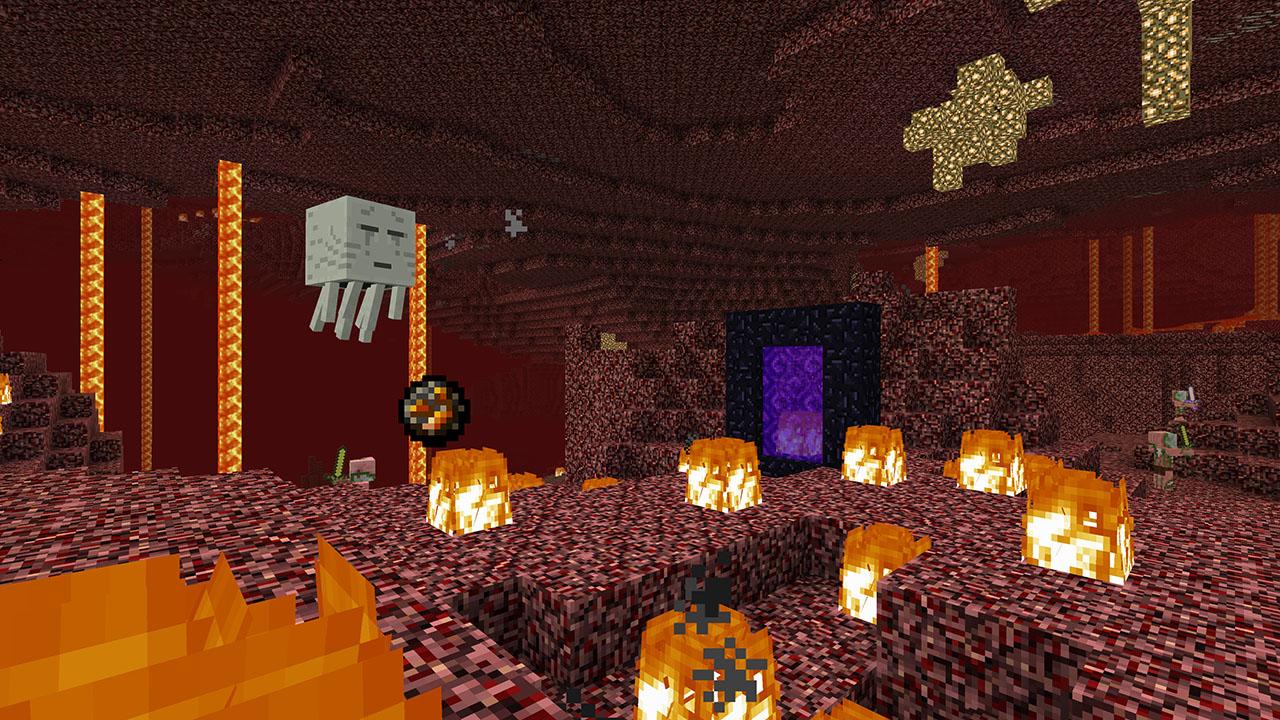
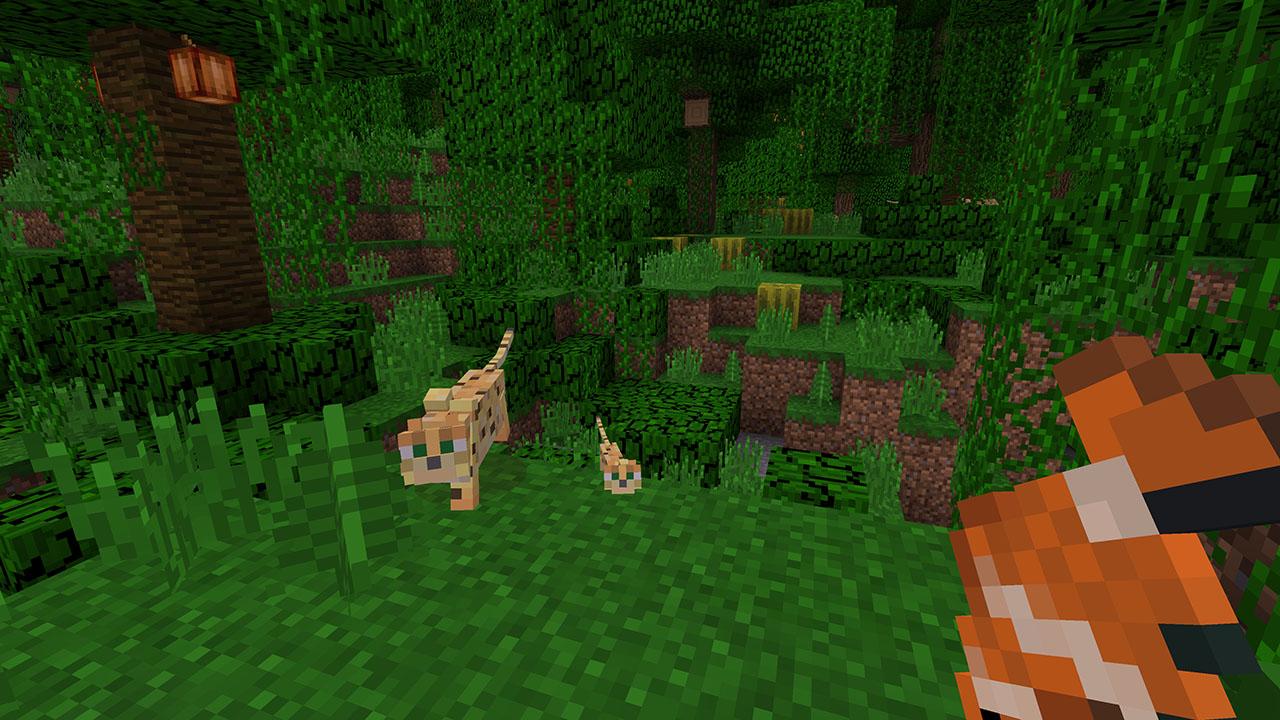
This new version will let you play together across different devices, access a multitude of content through the Minecraft Store and get all future game updates, starting with Update Aquatic. Minecraft is a game about placing blocks and going on adventures. Build anything you can imagine with unlimited resources in Creative mode, or go on grand expeditions in Survival, journeying across mysterious lands and into the depths of your own infinite worlds. Will you hide from monsters or craft tools, armor and weapons to fight back? No need to go alone! Share the adventure with friends in split-screen multiplayer and online! With constant updates and community creations, Minecraft is bigger, better and more beautiful than ever before. Explore amazing player-made maps, thrilling minigames and more! Band together with friends playing on phone, Windows 10 or console, set up your own online world with Realms, or join one of the massive player-run servers! There are so many ways to play! Features Play and share with friends on mobile, PC and console Discover community creations in the new in-game store Access new mini games and game modes through Servers Share the couch with four player split screen Play on the go in handheld or tabletop modes Includes Super Mario Mash-Up, Natural Texture Pack, Biome Settlers Skin Pack, Battle & Beasts Skin Pack, Campfire Tales Skin Pack

Developers

Mojang Studios

Publishers

Mojang Studios

Genres

Adventure, Casual

Platform

Nintendo

Languages

Chinese, Dutch, English, French, German, Italian, Japanese, Korean, Portuguese, Russian, Spanish

Release date 2018-06-21
Age rating PEGI 7
Metacritic score 86
Regional limitations 3

Based on 0 reviews

0.00 Overall
0%
0%
0%
0%
0%

Only logged in customers who have purchased this product may leave a review.
Reviews

There are no reviews yet.

Select “Nintendo eShop” on the HOME Menu to launch the Nintendo eShop. Select the account you want to use. Select “Enter Code” on the left side of the screen. Enter the 16-character download code.Any letters and symbols not used with prepaid codes (i.e. O, I, Z, commas, hyphens, etc.) will be disabled from the on-screen keyboard. Select “Send” to confirm. The game will begin downloading once the code is confirmed.The game icon will appear on the HOME menu, with a download status bar. The status bar will disappear once the game download is complete.
Categories: , , Tag: 
My Cart
Wishlist
Recently Viewed
Categories
Wait! before you leave…

We will try our best to bring you back

    Try searching

    With 5,000+ products, search is the fastest way to find what you’re looking for.

    Minecraft Nintendo Switch Online Account Activation

    15.74

    Recommendations

      ✅ Recommendations for Purchase & Usage

      🛒 Start Small: Buy a small batch (up to 10 accounts) to test before placing bulk orders.

      🧠 Usage Tips:

      • Use 1 account per device/IP
      • Don’t change credentials right away
      • Avoid VPNs or untrusted tools
      • Don’t log into multiple accounts in the same browser
      🌐 Supported Services:
      • Works with Social Media, Email, Streaming, and Gaming platforms.
      • 🔍 Always read the product description for specific usage details.